
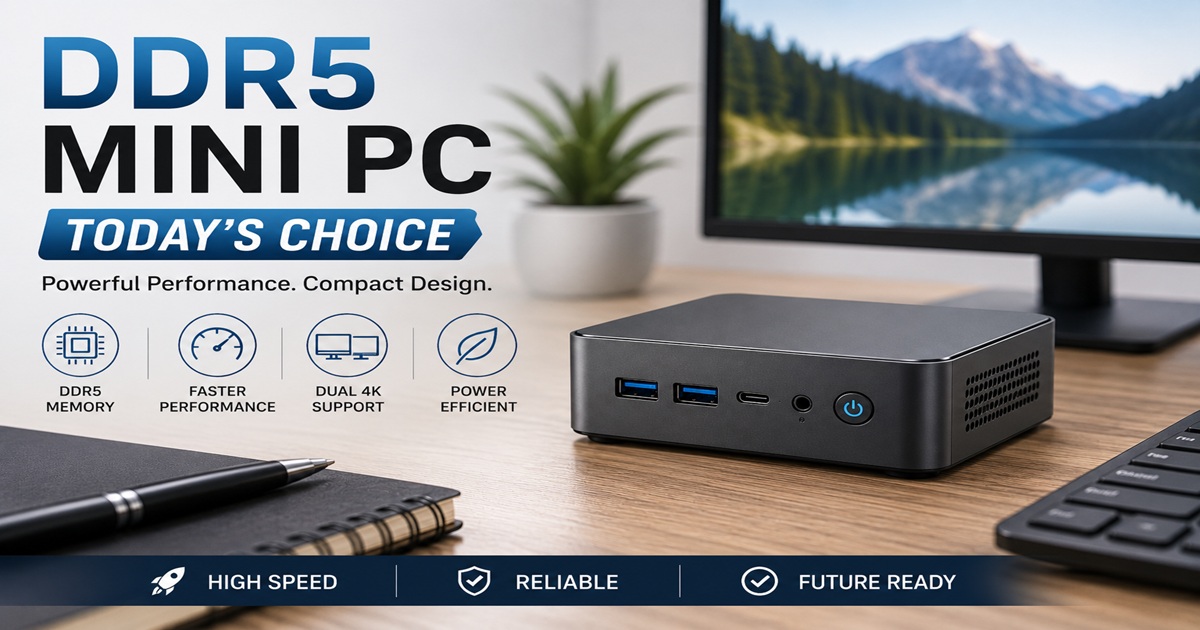
A DDR5 mini PC can bring capable everyday computing into a compact workspace. Modern mini PCs offer a practical alternative to larger desktop towers for browsing, office work, entertainment, creative projects, and selected gaming activities. The right model can provide useful performance while leaving more room on your desk.
The important question is whether the computer suits the work you intend to do. DDR5 memory is one advantage worth examining, but the processor, graphics capabilities, cooling system, storage, and available connections are equally important. Understanding these components can help you select a mini PC that fits your needs and budget.
What Makes a Modern Mini PC Worth Considering?
Mini PCs are designed to provide useful computing capabilities in a much smaller enclosure than a traditional desktop tower. Depending on the model, they can support multiple monitors, fast solid-state storage, wireless connectivity, and a wide selection of everyday applications.
Their compact dimensions make them especially appealing where desk space is limited. A mini PC can sit beside a monitor, fit on a shelf, or sometimes be mounted behind a compatible display. Performance and operating noise vary between models, so it is worth examining the specifications rather than assuming every mini PC behaves the same way.
What Does DDR5 Memory Bring to a Mini PC?
DDR5 is a newer generation of computer memory designed to support higher data-transfer rates and greater memory capacity than DDR4. These improvements can be useful when running demanding applications, working with large files, or using integrated graphics that share the computer’s system memory.
Memory speed is only one part of overall computer performance. A faster memory system may help certain workloads, but the benefits depend on the processor, memory configuration, software, and tasks being performed. For ordinary browsing or document editing, a well-equipped DDR4 computer may still provide an excellent experience.
- Higher memory bandwidth: DDR5 can transfer more data per second than DDR4, which may benefit memory-intensive applications and some integrated graphics systems.
- Improved memory efficiency: DDR5 generally operates at a lower nominal voltage, although total system power consumption depends on many components.
- Greater capacity potential: DDR5 supports higher memory densities, but the maximum installed capacity depends on the mini PC’s motherboard and processor.
- Modern platform compatibility: DDR5 is available with many recent processors, making it a useful consideration when comparing current mini PC designs.
- Performance for demanding tasks: Suitable DDR5 configurations can help support multitasking, creative applications, and other workloads that benefit from additional memory bandwidth.
DDR5 also includes on-die error correction within its memory chips, but this is not the same as full system-level ECC memory protection. Buyers who specifically require ECC support should verify that the processor, motherboard, and memory configuration provide it.
DDR4 vs DDR5: What Differences Matter?
DDR4 and DDR5 can both provide dependable performance when paired with suitable computer hardware. DDR4 remains capable for everyday office applications, web browsing, and many other common activities. DDR5 offers greater memory bandwidth and capacity potential, which may be useful for more demanding work and newer computing platforms.
The table below compares the memory technologies rather than promising particular results from every mini PC. Actual speed, graphics performance, heat, and upgrade options depend on the complete system configuration.
| Aspect | DDR4 Mini PC | DDR5 Mini PC |
|---|---|---|
| Common Memory Data Rates | Typically 2133–3200 MT/s | Commonly 4800 MT/s and above, depending on platform |
| Nominal Memory Voltage | Typically 1.2V | Typically 1.1V |
| Memory Bandwidth | Lower than DDR5 at comparable configurations | Higher potential bandwidth |
| Everyday Multitasking | Capable with sufficient memory and a suitable processor | Capable, with potential benefits in demanding workloads |
| Gaming | Depends primarily on graphics hardware and processor | Additional bandwidth may help some integrated graphics systems |
| Upgrade Considerations | Established platform with many affordable options | Available on many newer computing platforms |
| Integrated Graphics | Performance varies by processor and memory configuration | Higher bandwidth may improve performance in supported workloads |
| Purchase Cost | Often attractive for budget-conscious buyers | Varies by processor, capacity, features, and manufacturer |
Neither memory generation determines how many years a computer will remain useful. Long-term value depends on the processor, storage, memory capacity, repairability, software requirements, and how well the system continues to meet your needs.
Who Can Benefit From a DDR5 Mini PC?
A DDR5 mini PC can suit a variety of users, but the ideal configuration depends on the applications they use. A student preparing assignments has different requirements from someone editing videos or playing demanding games. The following examples can help narrow the choices.
| User Type | Typical Activities | What to Consider | Explore Options |
|---|---|---|---|
| Remote Worker | Video meetings, documents, research, and browser applications | Reliable processor, sufficient RAM, quiet cooling, and monitor connectivity | Gezoon DDR5 Mini PC |
| Student | Research, online classes, assignments, and media | Affordable configuration, dependable connectivity, and adequate memory | 16GB DDR5 Mini PC |
| Creative Professional | Photo editing, video projects, music production, and design | Processor performance, memory capacity, fast storage, and suitable graphics | BOSGAME Ryzen 9 DDR5 |
| Light Gamer | Indie games, selected esports titles, and entertainment | Graphics capability, cooling, memory configuration, and game requirements | Gaming DDR5 Mini PC |
| Everyday Home User | Email, browsing, streaming, and household tasks | Good value, appropriate ports, low noise, and sufficient storage | GMKtec N97 DDR5 |
Use the examples as a starting point rather than assuming every listed model has identical capabilities. Check the manufacturer’s current specifications, particularly the installed memory type, processor, graphics support, and upgrade options, before choosing a computer.
Building a Comfortable Mini PC Workstation
A mini PC provides the computing foundation, while the surrounding equipment helps create a comfortable and productive workspace. The monitor, keyboard, desk arrangement, and other accessories should complement the way you use your computer.
A well-arranged desk can make everyday work more comfortable. An ergonomic compact workstation can help organize your equipment while making efficient use of available space.
The right display can make a noticeable difference when working with documents, photographs, videos, or multiple applications. A 4K Ultra HD desktop monitor offers high resolution for compatible systems. For people who travel or need an additional display, an Arzopa portable gaming monitor or a 15.6-inch portable monitor may provide useful flexibility.
Keyboard comfort is another consideration, particularly when typing for extended periods. Options such as the SteelSeries APEX Keyboard and Logitech K780 Multi-Device Keyboard offer different approaches to everyday computer use. Compare their connectivity, layout, and features to find a suitable match.
Online privacy and dependable hosting can also be relevant to a digital workspace. A VPN service such as NordVPN can encrypt traffic between your device and its VPN server and provide additional privacy benefits. If you operate a website, a suitable web hosting service can help support its availability and performance.
The best workstation is one that supports your actual activities without unnecessary expense or complexity. Begin with a capable mini PC and add accessories that provide practical benefits for your work, study, entertainment, or creative projects.
Final Thoughts: Is a DDR5 Mini PC the Right Choice?
A DDR5 mini PC is worth considering when you want modern computing capabilities in a compact, space-efficient system. Its memory technology can offer useful advantages, particularly when paired with a capable processor and an appropriate amount of RAM.
The best purchase is not necessarily the most powerful or expensive model. Compare the complete specifications, your preferred applications, available connections, cooling design, and overall cost. A well-chosen mini PC should provide the performance you need today while leaving room for your computing requirements to develop.
Recommended Reads
Explore these related articles for additional guidance on mini PCs and memory technology.


