
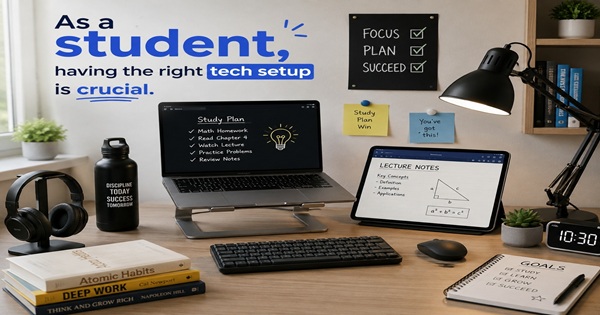
As A Student, Having The Right Tech Setup Is Crucial
Whether you’re living in a college dorm, rented room, small apartment, or family home, a compact Mini PC provides the much-needed performance for essays, group projects, entertainment, and everyday computing without taking up valuable desk space. In this article, you’ll discover why Mini PCs are a highly practical choice for students, how they can enhance productivity in smaller spaces, and how a VPN can help you add more layers of security throughout your academic life.
Firstly: Why Choose a Mini PC for Your Student Setup?
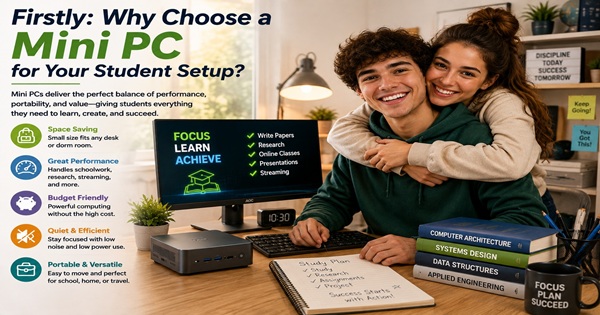
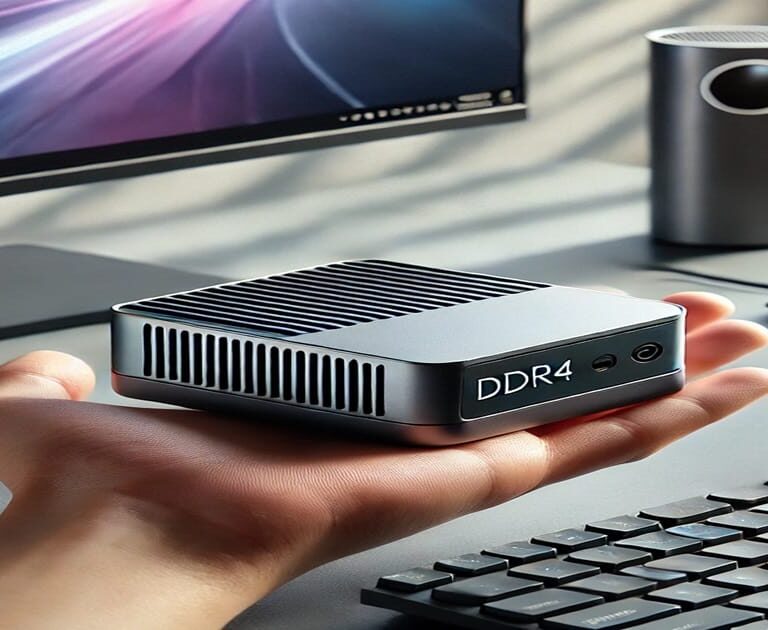
Mini PCs offer a balance performance, price, and portability in ways that bulky desktops or expensive laptops often cannot. Mini PCs are significantly smaller than conventional tower PCs in fact many Mini PCs can fit directly in the palm of your hand, yet still pack the power punch of the latest modern processors and a have wide Varity of RAM options, it also comes with great SSD storage options.
Key Benefits for Students:
- Portability: Toss it in a backpack or carry it under your arm—no more lugging a huge tower or draining a laptop battery.
- Space-Friendly: Ideal for cramped dorms or small apartments. It occupies minimal desk real estate, leaving more space for textbooks or notebooks.
- Cost Efficiency: Many Mini PCs offer a lot of power at a competitive price, which is crucial when you’re on a student budget.
How Mini PCs Enable a Flexible Lifestyle
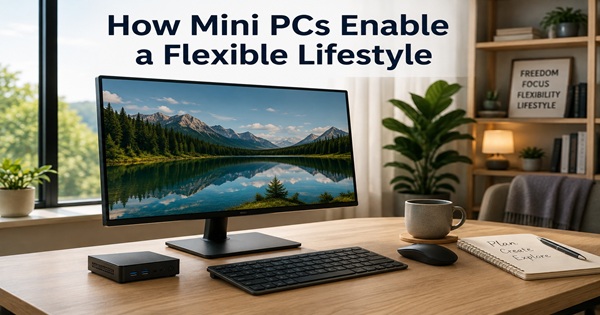
As a student, you might work at your dorm desk one day and in the library the next or perhaps in a café. With a Mini PC, you can unplug and relocate or have a option in plugging into next available monitor or use a portable foldable display. It’s offers a straightforward option to set up a quick presentation station for group projects—just connect your Mini PC to a projector or TV, and you’re ready to collaborate.
Many students can appreciate how the small of a footprint of a Mini PC it encourages neater workspace—no large tower to tuck under a desk and stub your toes or handling cable spaghetti. The Mini PC helps reduce distraction and clutter, giving key benefits in problems in upside-down crowed student housing. You’ll be able to focus on your work, not wrestling with messy cables or heavy hardware.
Mini PCs: DDR4 vs. DDR5 – Which Should You Choose?
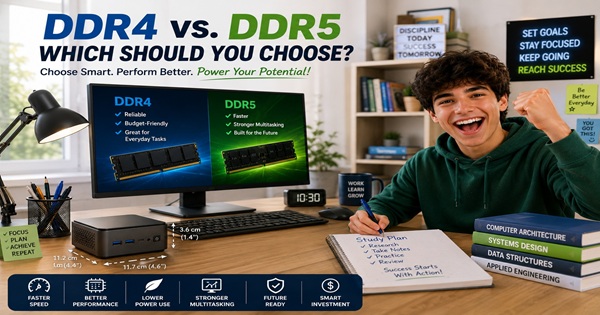
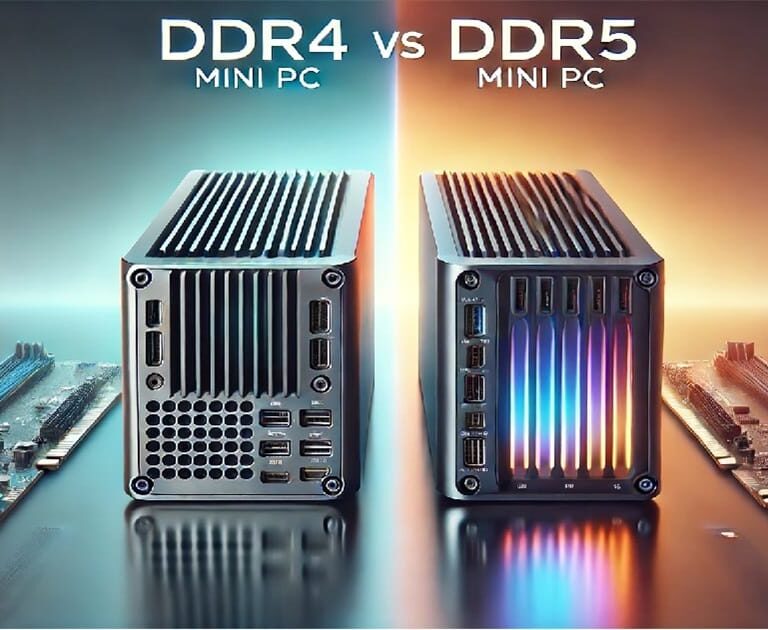
The primary decision when choosing a Mini PC is whether to buy one with DDR4 or DDR5 memory. For example, DDR4 Mini PCs tend to cost less and handle everyday tasks very well, such as writing papers, checking email, browsing the web, and streaming. By comparison, DDR5 Mini PCs offer higher memory bandwidth, reducing the chance of bottlenecks and giving them a performance advantage for gaming, editing large media files, and running demanding applications.
Performance Comparison:
| Feature | DDR4 Mini PC | DDR5 Mini PC |
|---|---|---|
| Memory Speed | Up to 3200 MHz | Up to 6400 MHz |
| Energy Use | Lower overall draw | Efficient even under load |
| Multi-Tasking Power | Everyday student tasks, light apps | Advanced software, heavier workloads |
| Longevity | 3–5 years of good performance | 5+ years, more future-proof |
| Price Bracket | BOSGAME B95 (DDR4) | |
| Ideal For | Basic productivity, moderate multitasking | Intensive workloads, next-gen gaming, engineering apps |
If you simply need to handle assignments, light web research, and Netflix streaming, a DDR4 Mini PC is cost-effective. For those in engineering or media-intensive majors, the DDR5 Mini PC can offer smoother performance, especially long term, as software grows more demanding.
DDR4 Mini PC Use Case:
Primarily for students with standard computing tasks—essays, slideshows, light gaming, or streaming YouTube and lectures. The lower price is a plus.
DDR5 Mini PC Use Case:
Perfect for architecture students working in CAD, gaming enthusiasts who crave higher frame rates, or film majors tackling 4K editing. The memory headroom matters here.
Optimizing Your Mini PC Setup with Essential Accessories
A Mini PC Is A Smart Start Student Life More Manageable.
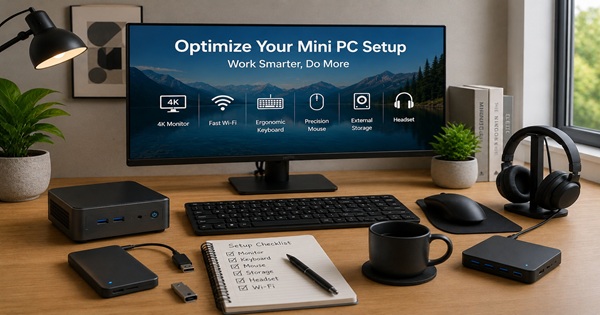
A powerful Mini PC is great way to transform workspace into a comfortable workstation it only requires a few functional accessories, from a choice of monitors, keyboards and possibly an additional external storage devices if needed that keep your overflow data safe but good news Mini PCs come with high capacity storage. With the right picks, you’ll streamline your workflow and space wisely to avoid downtime or clutter.
Helpful Hardware Devices for Flexibility
A reliable wireless keyboard and mouse can make a compact student workspace much easier to manage. Many wireless models can connect to a Mini PC, smartphone, or tablet, allowing you to switch between devices with the press of a function key. This is especially useful for note-taking, browsing, and everyday schoolwork. On smaller desks, wireless accessories also reduce cable clutter and leave more room for books, notebooks, and other essentials.
Wired keyboards still have their place, particularly when fast response times and consistent performance matter. A gaming keyboard such as the SteelSeries Apex can be a good fit for gaming and other demanding tasks. For students who value a cleaner desk and greater flexibility, the Redragon K673 provides a more portable wireless alternative
File Storage Solutions to Protect Your Coursework
A reliable external SSD is your safety net. Projects can be massive—especially design/engineering files. The Samsung T7 SSD whips through large data transfers, so you’re never stuck waiting for a slow copy on a deadline. It’s also small enough to fit in a pocket or pouch, which is perfect if you need to bring files to a class presentation or share them with your team in person.
Accessory Comparison: Building Your Ideal Setup
Below is a snapshot of top accessories that align with a student’s needs. Swap in your own preferences as you see fit.
| Accessory | Recommended Product | Best For | Notable Features |
|---|---|---|---|
| Wireless Keyboard | Redragon K673 Wireless | Minimal cables | Mechanical feedback, solid battery life |
| Gaming Keyboard | SteelSeries Apex Keyboard | Heavy typing/gaming | Programmable RGB, tactile switches |
| Portable Monitor | ARZOPA Portable Monitor | Extra screen space anywhere | Lightweight, 1080p or 1440p options, good brightness |
| Main Desk Monitor | Sceptre 24in Monitor | Dedicated study corner | Budget-friendly, minimal bezels, built-in speakers |
| External SSD | Samsung T7 SSD | Saving big projects & backups | High-speed transfers, encryption, durable shell |
Portable Monitors: A Game-Changer for Nomadic Students
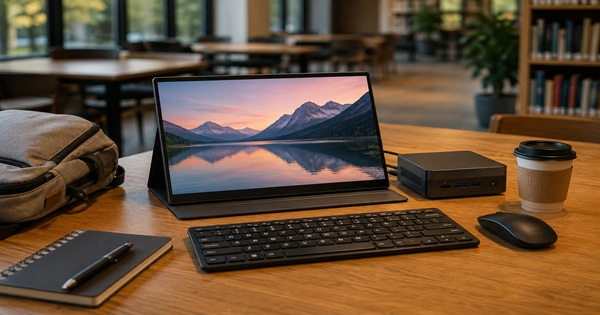
For students who regularly find themselves moving from one area to another, or simply feel the need to leave the dorm room for a change of scenery, a portable monitor can provide valuable freedom. A study hall, library, quiet corner on campus, or another interesting space off campus can become a temporary workstation. With a portable monitor, Mini PC, wireless keyboard, and mouse packed together, wherever the monitor is set down can become home base for studying, researching, writing, or getting everyday work done.
VPN: Essential for Student Privacy & Security
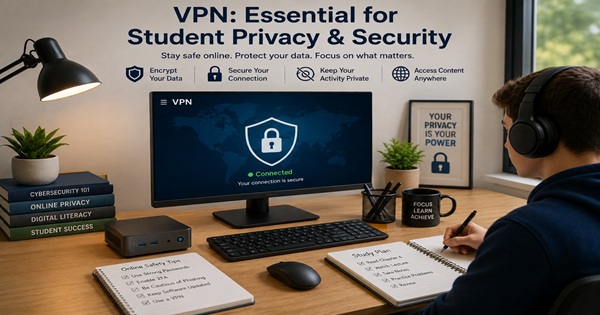
Free campus Wi-Fi might be convenient, but it’s rarely encrypted or especially secure. A Virtual Private Network (VPN) ensures your traffic remains shielded from prying eyes. That means safer logins to your academic portals, banking apps, and private chats.
Why a VPN Matters in College:
- Privacy Protection: Keep your browsing personal, away from potential snoops or data-collecting marketing agencies.
- Secure File Sharing: If you’re exchanging project files with classmates, encryption keeps them away from any malicious intercepts.
- Unrestricted Access: Some movies, videos, websites, and educational resources are not available in every country. With your VPN application and any available internet connection, you can select a VPN server located in the country or region you want. This can give you access to online content available in that region, whether you are at home, at school, or traveling abroad.

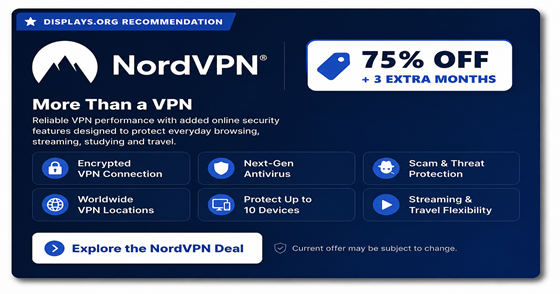
NordVPN stands out for its award-winning performance and exceptional user-friendliness. Its reliable VPN speeds keep video streaming smooth and intensive research moving effectively. With just a few clicks, you can use your VPN over any available internet connection to securely encrypt your connection, adding an important layer of protection and providing greater peace of mind.
Ideal Mini PC Setup Possibilities for Student Dorm Rooms
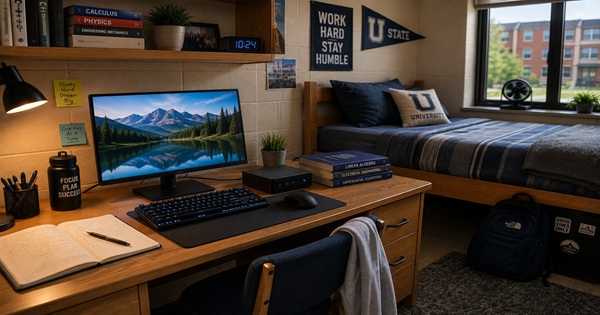
Space can be limited in a student dorm, but a Mini PC can help make the most of a smaller living area. Here are a few practical setup ideas that can make your workspace more productive and surprisingly enjoyable. For tight dorm setups, a DDR4 Mini PC plus a portable display is an excellent balance of power and minimalism. Fold away the monitor when done, clearing precious desk space for textbooks. One first-year engineering student notes how they appreciate the quiet operation of a Mini PC in a small dorm—no noisy fans to distract from late-night study sessions.
| Component | Recommended Products |
|---|---|
| Mini PC | BOSGAME B95 (DDR4) |
| Monitor | ARZOPA Portable Monitor |
| Keyboard | Redragon K673 Wireless |
| VPN | NordVPN |
Ideal Mini PC Setup Possibilities for Apartment Living
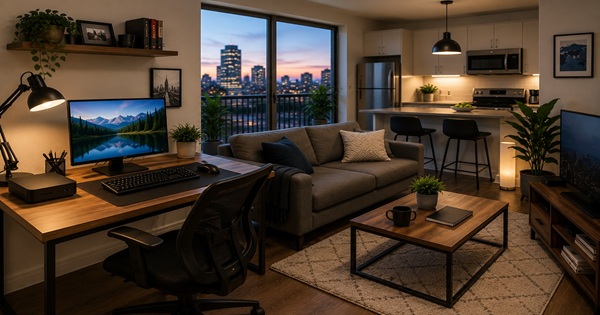
Whether you have a small apartment or share a larger one, space may be less restrictive than in a dorm room, but keeping clutter under control it still matters. Here are a few practical suggestions that leave more room for studying, relaxing, and everyday living. An apartment does offer a bit more space, so you can anchor your setup with a slightly larger monitor and combined with a powerhouse DDR5 MINI PC. The accessory keyboard of choice could be SteelSeries Apex its comfortable for both gaming and work typing.
| Component | Recommended Product |
|---|---|
| Mini PC | GMKtec N97 (DDR5) |
| Monitor | Sceptre 24in Monitor |
| External SSD | Samsung T7 Portable SSD |
| Keyboard | SteelSeries Apex Keyboard |
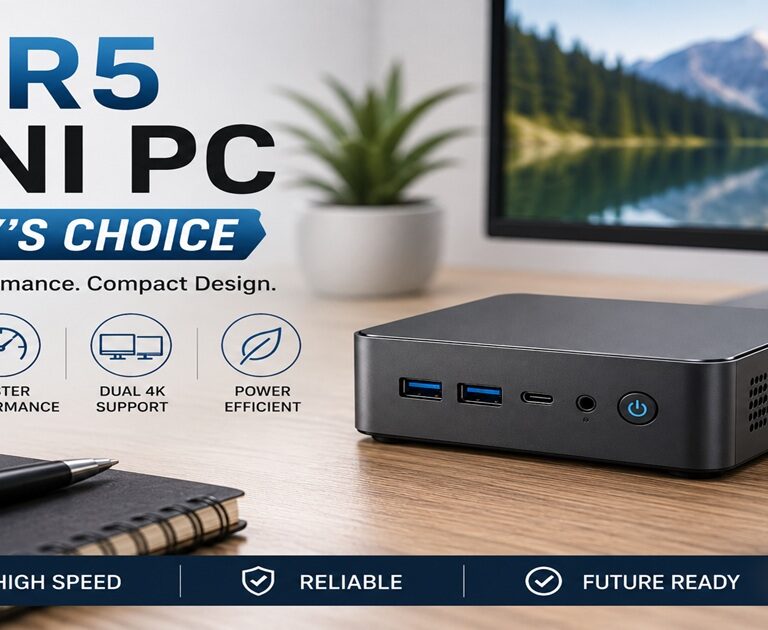
Mini pc recommendation great for second- or third-year students would be purchase a DDR5 Mini Pc for top speed and performance. Example This ONE DDR5 MINI PC!
Staying Productive on the Go: Portable Mini PC Setup
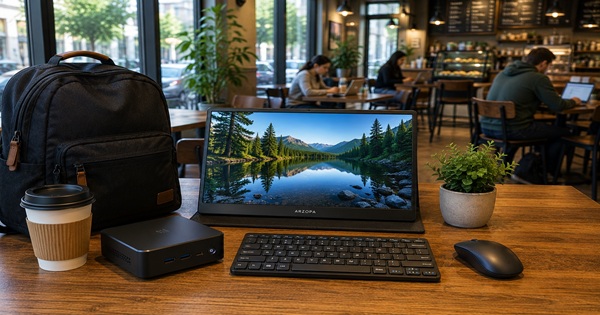
For students who move around frequently, a portable Mini PC setup can provide surprising flexibility. Pair a compact Mini PC with a lightweight portable monitor and wireless keyboard, and your workstation can travel with you.
On-the-Go Student Setup Work Station
| Component | Recommended Product |
|---|---|
| Mini PC | BOSGAME B95 (DDR4) |
| Portable Monitor | ARZOPA Portable Gaming Monitor |
| Wireless Keyboard | Redragon K673 Wireless |
| VPN | NordVPN |
A great game changer a Mini PC, and a small portable monitor to bring to a group study rooms experiencing comfortable screen time environment for viewing spreadsheets and sharing video viewing. If you frequently meet classmates to rehearse presentations, watch tutorial videos, or run specialized software, this minimal kit is easy to transport. Even connecting in coffee shops or campus lounges becomes secure if you enable your VPN, ensuring that your logins and file transfers stay encrypted. NordVPN is a great choice of VPN that you can rely on.
Real-World Student Success Stories
Below are quick testimonials from real users who switched to Mini PCs and found them indispensable for daily academic life:
- Alicia (Journalism Major): “I often type up articles in the dorm, but then I’ll dash to the library for research. Having my entire environment in a Mini PC means I just need a monitor and keyboard wherever I land. It’s so convenient!”
- Mohammed (Computer Science Senior): “I run a small code server on my Mini PC for group projects. The small footprint is amazing, and being able to pack it all in neatly when I go home for the weekend it is a game-changer. Pairing it with NordVPN gives me secure remote access to my dev environment.”
- Susan (Graphic Design Grad Student): “I have a DDR5 Mini PC that handles Photoshop, Illustrator, and 3D prototypes better than my old bulky desktop did. The DDR5 memory speed is the real deal for large image files. My dorm desk stays clear, and I can carry it to campus if needed.”
These testimonials illustrate how Mini PCs adapt to a variety of majors and tasks—journalists appreciate portability, coders prize a stable dev environment, and designers embrace powerful performance in a smaller, quieter package.
Conclusion: Build the Ultimate Mini PC Setup for Students
A Mini PC can be an academic powerhouse in a compact package. It’s perfect for students needing both portability and power without the price or size of a laptop. The MINI PC can be Combined with wireless peripherals easily, like a desktop monitor. large screen, projector or a very practical lite weight portable monitor.
Choosing between DDR4 and DDR5 often depends on budget and performance demands. But no matter your choice, you can anchor your system in a small dorm or move it easily to a library or café. Or work on your website with quality web hosting to keep your personal or group websites live 24/7. The synergy of local hardware + secure online hosting helps you tackle everything from personal portfolios to advanced coding projects without a hitch.
Furthermore, as you progress through your academic path, your Mini PC can evolve with you. Upgrading RAM or storage, connecting new peripherals, or rotating it into a home-theater PC after graduation are all viable. That flexibility ensures your investment pays off beyond just your immediate classes or dorm life. It’s a tech companion that can remain relevant long after final exams end.
Bonus Tip: Keep Your Workspace Organized
Dorm life quickly gets chaotic, so a couple minutes spent organizing cables or labeling them can save frustration later. A small desk organize your pens, sticky notes, also keep surfaces clear, boosting your focus.
Collaboration & Beyond
With a Mini PC, you can host video chats, spin up local servers for collaborative coding, or simply watch Netflix with friends on a small or bigger screen and Mini PC transitions seamlessly into a home-office setup or living room media center. This adaptability is part of its lasting appeal.
Additional Tips for Maintaining Your Mini PC
To prolong your Mini PC’s life through multiple semesters—and maybe beyond—keep these tips in mind:
- Regular Software Updates: Turn on automatic OS and antivirus updates for the latest security patches and bug fixes.
- Monitor Temperatures: Place your Mini PC in a well-ventilated spot. Overheating can shorten the lifespan of components, especially in tight enclosures.
- Backup Strategy: Use an external SSD or cloud backup for assignments, group projects, and personal data. It’s an inexpensive insurance policy against accidental loss.
- Occasional Cleaning: Gently clear dust from vents or fans to keep airflow strong. Dorms can get dusty quickly!
- Respect Power Constraints: If your dorm or apartment has limited outlets, invest in a good power strip with surge protection. Fluctuating currents can harm sensitive electronics.
Recommended Read