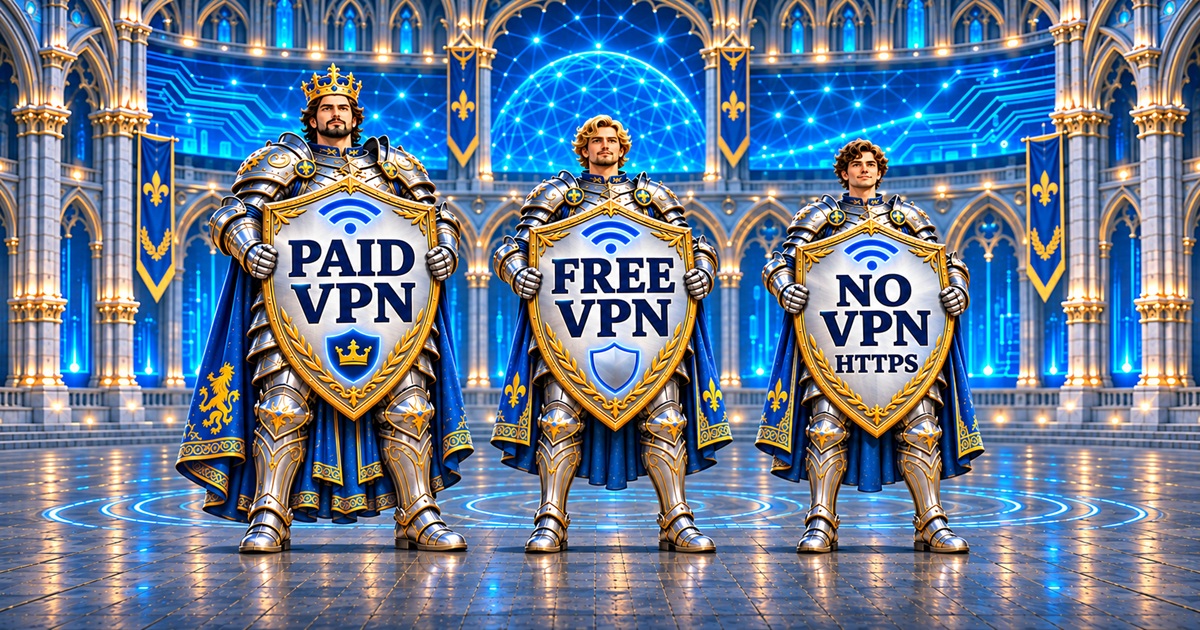
Choosing how you connect to the internet means deciding who you trust with part of your online activity. An ordinary connection, a free VPN and a paid VPN can offer different combinations of privacy, convenience and protection. Understanding those differences helps you choose what serves your interests.
A VPN can provide valuable protection, but its value comes from what it actually does. In this comparison, we explore an ordinary connection without a VPN alongside free and paid VPN services. We examine the benefits, the tradeoffs and the features worth checking before placing your trust in a provider.
What Protection Do You Already Have Without a VPN?

An ordinary internet connection can already protect the contents of your communications through HTTPS. When correctly established, HTTPS encrypts information travelling between your browser and the website. Someone observing the network generally cannot read the passwords, messages or payment details inside that connection. The website receiving your information can still read what you submit.
Your connection can still reveal information beyond those encrypted contents. Your internet provider or network operator may be able to identify the services you connect to, along with connection times and traffic volumes. Exactly what is visible depends on the technologies in use. Websites also receive the public IP address used to reach them.
Going without a VPN offers convenience because there is no additional service to configure or trust. For someone whose needs are met by their existing protections, that may be a reasonable choice. The tradeoff is that there is no VPN tunnel adding privacy between their device and a separate VPN server.
What Changes When You Use a VPN?

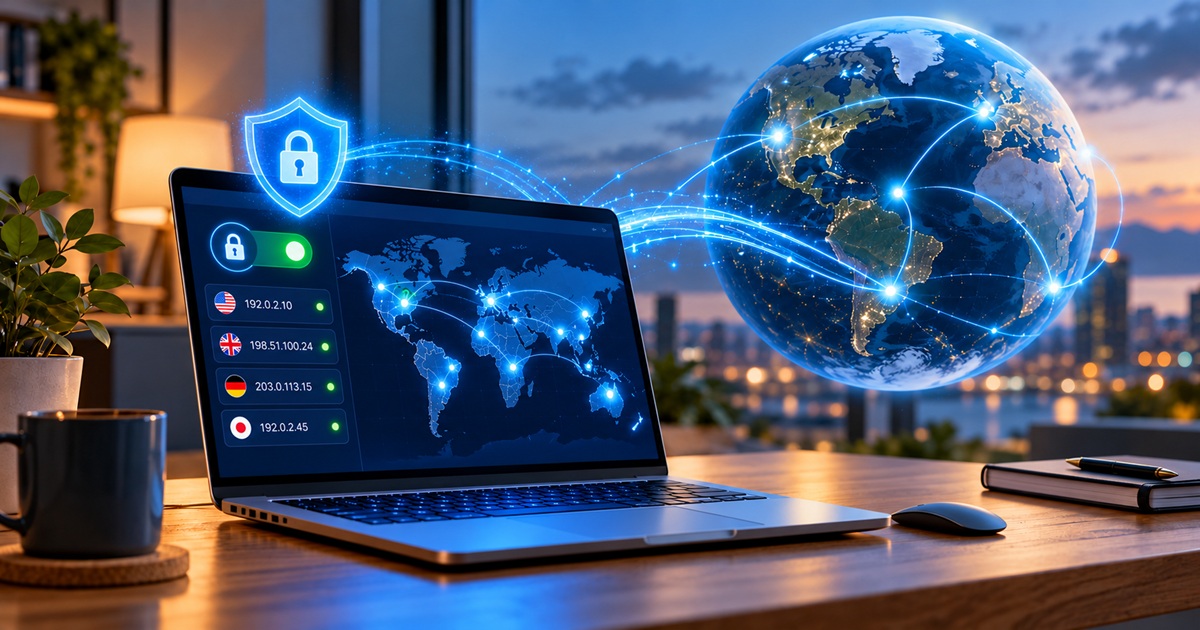
A VPN creates an encrypted connection between your device and a VPN server for the traffic routed through it. This helps shield that traffic from observation on the local network and by your internet provider. Websites generally see the VPN server’s public IP address instead of your ordinary connection’s address.
The practical benefit is greater separation between your ordinary internet connection and the destinations you visit. This can be useful when you use a network you do not trust or want to reduce your internet provider’s visibility into your browsing destinations. Your provider can still see that you are connecting to a VPN and observe connection timing and traffic volume.
Using a VPN also gives its provider an important position of trust. You are shifting visibility from one organisation to another. HTTPS remains important because the VPN tunnel ends at the VPN server, while HTTPS protects the connection through to the website. Choosing a trustworthy VPN provider therefore matters as much as enabling the connection.
Free VPN Services: What Is the Tradeoff?

A free VPN can provide useful protection when its technology and business practices support that purpose. Free access alone does not establish whether a service is trustworthy. Some providers support a free service through subscriptions purchased by other customers. Others use advertising or share information with third parties. Understanding the service’s terms and privacy policy can help reveal those arrangements.
The first question is how the provider pays for the service you receive. Look for a clear explanation of what it collects, why it collects it and whether it shares information with advertisers or other organisations. If the service shares data you expected it to protect, the privacy tradeoff deserves close attention.
Some free plans preserve core security while limiting convenience or available features. A provider might offer the same encryption technology across its free and paid services while reserving additional server locations, device connections or other capabilities for subscribers. This illustrates why a free service should be assessed on its actual practices rather than dismissed because it has no subscription charge.
Paid VPN Services: What Should Your Subscription Provide?

A paid subscription should give you clearly explained benefits that fit your needs. Depending on the provider, these might include more server choices, support for additional devices or extra security tools. The useful question is whether those capabilities improve your everyday experience.
A paid service’s privacy promises deserve the same careful examination. Examine its ownership, policies, security history and independent assessments. A recognised name and commercial track record provide context, but the evidence behind its claims deserves your attention. Payment alone does not establish that a provider is trustworthy.
Features to Examine: The Benefit and the Tradeoff
A feature becomes meaningful when you understand what it contributes and what its absence means. Some features protect the VPN connection itself. Others are separate security tools bundled with the service.
| Feature or evidence | Benefit when present and effective | Tradeoff when absent |
|---|---|---|
| Modern VPN protocols and sound encryption | Protect traffic carried between your device and the VPN server. | Outdated or poorly implemented technology may weaken the protection you expect. |
| Kill switch | Can block internet traffic when the VPN connection fails, depending on its settings and design. | Traffic may resume through your ordinary connection and expose its public IP address. HTTPS still protects HTTPS contents. |
| DNS and IP leak protection | Helps keep relevant requests and connection details within the intended VPN route. | Leaks may reveal information outside the tunnel despite the VPN appearing connected. |
| Clear data-handling policy | Lets you assess what the provider collects, retains and shares. | Vague wording makes an informed privacy decision harder. |
| Relevant independent audits | Provide outside examination of specified systems or claims at a particular time. | You have less independent evidence with which to assess those claims. An audit is not a permanent guarantee. |
| Malicious-site blocking | Can warn about or block destinations recognised as harmful. | That particular tool adds no screening. Browser and other security protections may still help. |
| Download scanning | Can identify certain threats in supported downloads. | Downloads receive no additional assessment from that feature. Other device protection remains important. |
| Maintained apps and reliable connections | Support continued compatibility, security fixes and comfortable daily use. | Unresolved faults or compatibility problems can make protection harder to maintain. |
The details behind each feature matter more than a checkmark on a comparison page. Check whether the feature works on your device, what traffic it covers and whether you need to enable it. A browser extension, for example, should not automatically be treated as protection for every application on your computer.
Where Does VPN Protection End?

A VPN works best as part of your wider security habits. It does not make every website trustworthy or prevent you from entering information into a fraudulent form. Strong account protection, updated software and care with unexpected messages remain valuable.
Websites can still recognise you through your accounts and other identifying signals. Signing in tells the service which account you are using. Cookies and browser characteristics can also contribute to recognition. Changing your apparent IP address does not erase those connections.
Extra threat-protection tools should be judged separately from the encrypted tunnel. A provider may offer useful malicious-site blocking or download scanning, but those capabilities are additional features. Their presence and effectiveness should be verified rather than assumed from the word VPN.
Which Connection Best Serves Your Interests?

Your choice deserves careful consideration of the protection or privacy improvements you may need for your own online activities. If you want to reduce what an unfamiliar network can observe, a trustworthy VPN can be useful. If you are comparing free and paid services, examine their practices and capabilities before deciding whether a subscription adds something you need.
A well-supported free VPN may meet one reader’s needs while a paid service better suits another. An ordinary connection also retains important protections such as HTTPS. The decision becomes clearer when you compare what changes, what remains protected and which organisation you are trusting.
The strongest choice is one you understand and can use confidently. Look for evidence that supports the provider’s promises. Choose features that serve your interests, and keep the wider protections for your accounts and devices in place.
Helping friends and family make informed choices can contribute to a safer internet for everyone. If this article could benefit someone you know, consider sharing it with them.
Displays.org participates in the NordVPN affiliate program. If you make a purchase through our official NordVPN affiliate links, Displays.org could receive a commission at no additional cost or expense to you.
Sources to Explore
For additional background on the technology, Wikipedia provides an overview of virtual private networks. This reference explains their general purpose, architecture and related concepts.
Additional Recommended Read: Nikola TESLA